

By Debbie Neese, Horticulture Certification | 16 years in the green industry | Founder, Offshoot Virtual Landscape Services (est. 2012)
The right landscaping business software takes the parts of running your company that eat your evenings off your plate: tracking clients and jobs, scheduling crews, surveying properties, sending invoices, and posting to social media. Here are five tools worth adopting, what each one replaces, and how to get them running without it becoming your new full-time job.
Why Does My Landscaping Business Need Software?
You didn’t get into landscaping to become a data-entry clerk. But somewhere between the CRM you never set up and the invoices riding around in a shoebox on your dash, that’s exactly what happened. Every hour you spend hunting for a client’s address is an hour you’re not out running the business, or running a mower.
Here’s the part nobody tells you: fixing this doesn’t mean becoming a tech person. It means picking a handful of tools built for what you actually do. Then getting someone else to set them up right the first time.
Callout: Most landscape business owners don’t need five new tools by Friday. They need one tool, chosen well, actually used.
What’s the First Software a Landscaping Business Should Set Up?
Start with whichever gap is costing you the most right now. For most owners, that’s one of these two:
A customer relationship management (CRM) system. Tools like Service Autopilot, LMN, and Jobber remember what you can’t. Every client’s contact info, job history, and preferences, in one place instead of scattered across your head, a notebook, and forty text threads.
What it fixes: forgotten follow-ups, lost contact info, and estimates that never go out because you couldn’t find the client’s details fast enough.
An invoicing and billing platform. QuickBooks and similar tools turn invoicing from a Sunday-night chore into something that mostly runs itself. Generate a professional invoice, see who’s paid, and send a follow-up without having to remember to.
What it fixes: late payments nobody followed up on, invoices that look homemade, and no clear read on what’s actually owed to you.
Download this Comparison Chart:
Comprehensive Landscape Management Software Comparison Matrix
Which Other Tools Are Worth Adding to a Landscaping Business?
Once you handle CRM and billing, three more tools tend to pay for themselves.
Project and crew management tools. Something like Asana or Trello replaces the sticky-note wall and the group text nobody reads. Every job gets a checklist. Each crew member knows what’s expected. Nothing is missed because somebody assumed somebody else ordered the mulch.
Drone mapping and design software. This one’s newer, and most of your competitors still aren’t using it. A drone flyover paired with mapping software becomes precise property measurement and a 3D model for the client walkthrough — no tape measure required. It carries a real upfront cost, so it tends to earn its keep once you’re regularly bidding larger design or install jobs.
Social media and content scheduling tools. You’re a landscaper, not a social media manager, and you shouldn’t have to act like one. Canva lets you batch a month of before-and-after photos and quick tips in a single sitting. Schedule it once, and it goes out automatically. Want the fuller marketing picture — your website, ads, reviews, and referrals, not just the posting side? That’s covered in our guide to marketing strategies for landscaping business owners.
Is It Worth Paying for Landscaping Business Software?
Warning: The tool isn’t usually where these efforts fail. Buying software and never fully setting it up is the same as not buying it, minus the money you saved.
Here’s how the three most common paths stack up:
| Do it yourself | Hire in-house help | Hand it to a VA | |
|---|---|---|---|
| Upfront cost | Lowest (your time) | Highest (salary + benefits) | Moderate |
| Time to get running | Weeks, around everything else | Fast, once hired | Days to a couple weeks |
| Green industry know-how | Whatever you already have | Varies | Built in |
| Ongoing upkeep | Falls back on you | Dedicated, if role sticks | Managed for you |
| Best for | A single simple tool, light use | Larger crews, year-round need | Most 1–15 person operations |
From our own files: When we bring on a new client, the first week is just watching how they currently work. What’s in the CRM, what’s still on paper, where things get stuck. Week two is a supervised handoff into whatever system fits. At week three, we’re running it hands-off. The software switch never has to fall on the owner to figure out alone.
Who Sets This Software Up If I Don’t Have Time?
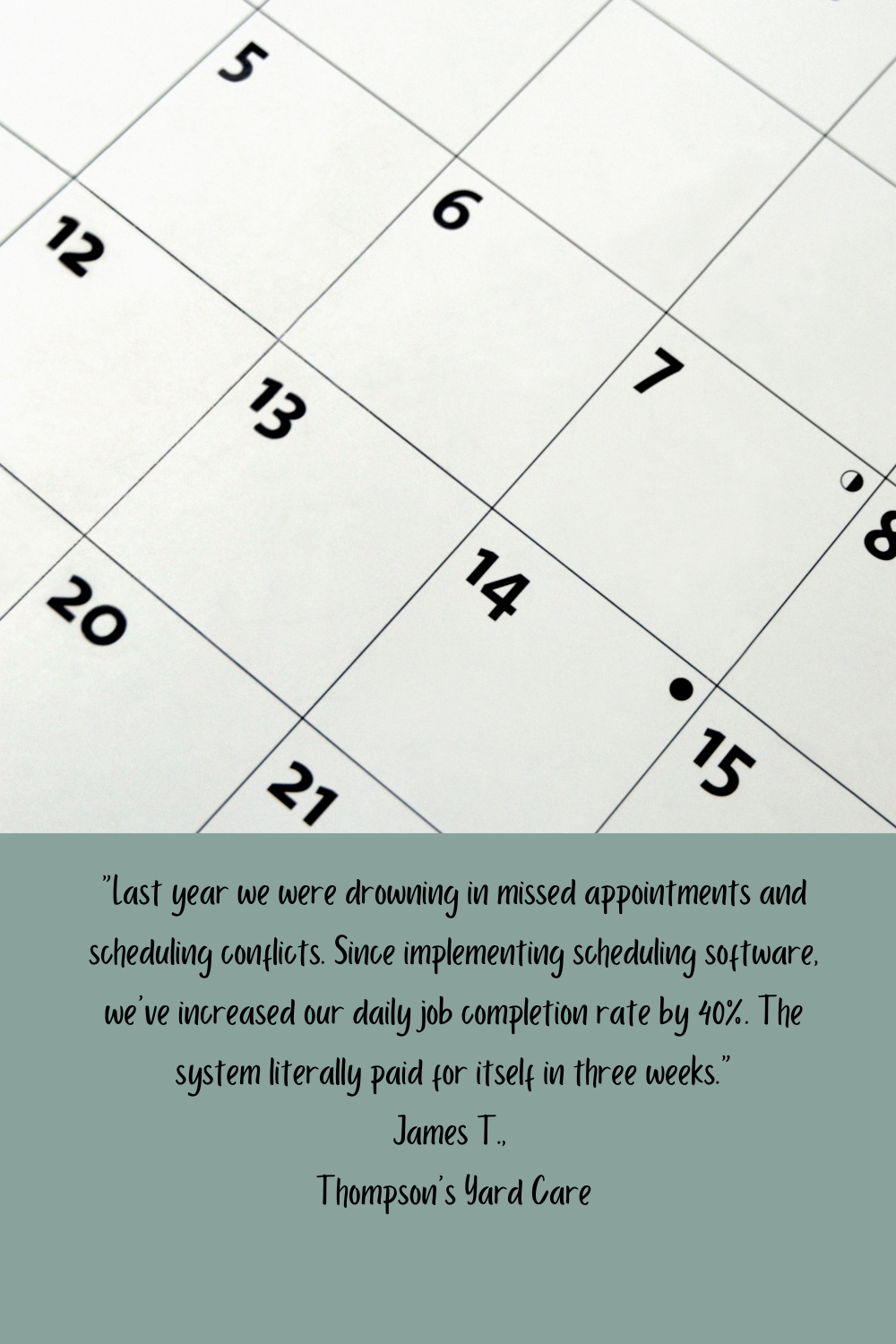
This is usually the real blocker. Not knowing which tool to pick, but also not having a free evening to set any of them up. A landscape-industry virtual assistant can load your existing client list into a new CRM and build out your crew’s project boards. She can convert your paper invoicing to digital and train whoever answers your phone. All without you clicking around a new system between job sites.
If admin overwhelm is the real reason none of this has happened yet, our guide on getting more time back in your day walks through what to delegate first. If certified payroll and job costing are slowing you down, our certified payroll guide for landscapers covers that side specifically.
According to Granum’s 2026 State of Digital Technology Adoption in Landscape & Tree Care report, a survey of nearly 700 landscape and tree care businesses found that training and implementation were the single biggest challenge respondents named, ahead of cost. The tool rarely fails. It’s the rollout that does.
How Do I Roll This Out Without It Becoming a Second Job?
Keep it to one phase at a time:
- Pick the single gap costing you the most right now.
- Research two or three options built specifically for landscaping, not generic small-business software.
- Set a real rollout date, and train the team on that one tool before adding another.
- Check back in 90 days: is it actually getting used, or did it quietly get abandoned?
- Keep the rollout plan in a shared spreadsheet so nothing depends on memory — yours or anyone else’s.
Landscaping Business Software: Frequently Asked Questions
What landscaping business software should I set up first?
Start with whichever gap costs you the most right now — usually a CRM if you’re losing track of clients, or an invoicing platform if payments are slow or inconsistent. Add the rest in phases.
How much does landscaping business software cost?
It varies by tool and crew size. CRM and invoicing platforms commonly run $30 to $150 a month. Drone mapping software and larger field-service platforms cost more. Start with the tier that fits your crew size today.
Can a virtual assistant set up and manage this software for me?
Yes. A landscape-industry VA can handle setup, data entry, team training, and ongoing management for most of the tools covered here. You won’t be the one learning a new system between job sites.
Do I need separate software for scheduling and billing?
Not necessarily. Many landscape-specific CRMs bundle scheduling, invoicing, and client management into one platform. Separate tools make sense once you outgrow a bundled option, but starting with one connected system is usually simpler.
How long does it take to get new software up and running?
Basic setup for a CRM or invoicing tool typically takes a few days to a couple of weeks. It depends on how much client and job data needs to be loaded in. Training your crew actually to use it well is usually the longer part — budget 30 to 90 days before it feels routine.
Ready to Get Your Systems Running Without Doing It All Yourself?
You don’t need to overhaul everything this month. Pick the one tool solving your biggest headache right now. Either block the time to set it up yourself, or hand it to someone who does this for a living. Call 828-699-8022 or book a free 45-minute consultation with Offshoot Virtual Landscape Services — you’ll walk away with a clear list of what can come off your plate, whether you hire us or not.
I’m an offshoot of your business.
About the Author
Debbie Neese is the founder of Offshoot Virtual Landscape Services, LLC, a virtual assistant and back-office firm serving landscapers, hydroseeders, lawn care companies, and tree services across the U.S. She started in the green industry in 2010, studying horticulture and working at a nursery, and founded Offshoot in 2012. She holds a Horticulture Certification and an Associate of Science in Business Administration. Her gardening expertise has appeared in Men’s Journal, Martha Stewart, Southern Living, The Spruce, Well+Good, and Family Handyman.


